Custom frontend
A website-specific layout and content structure.

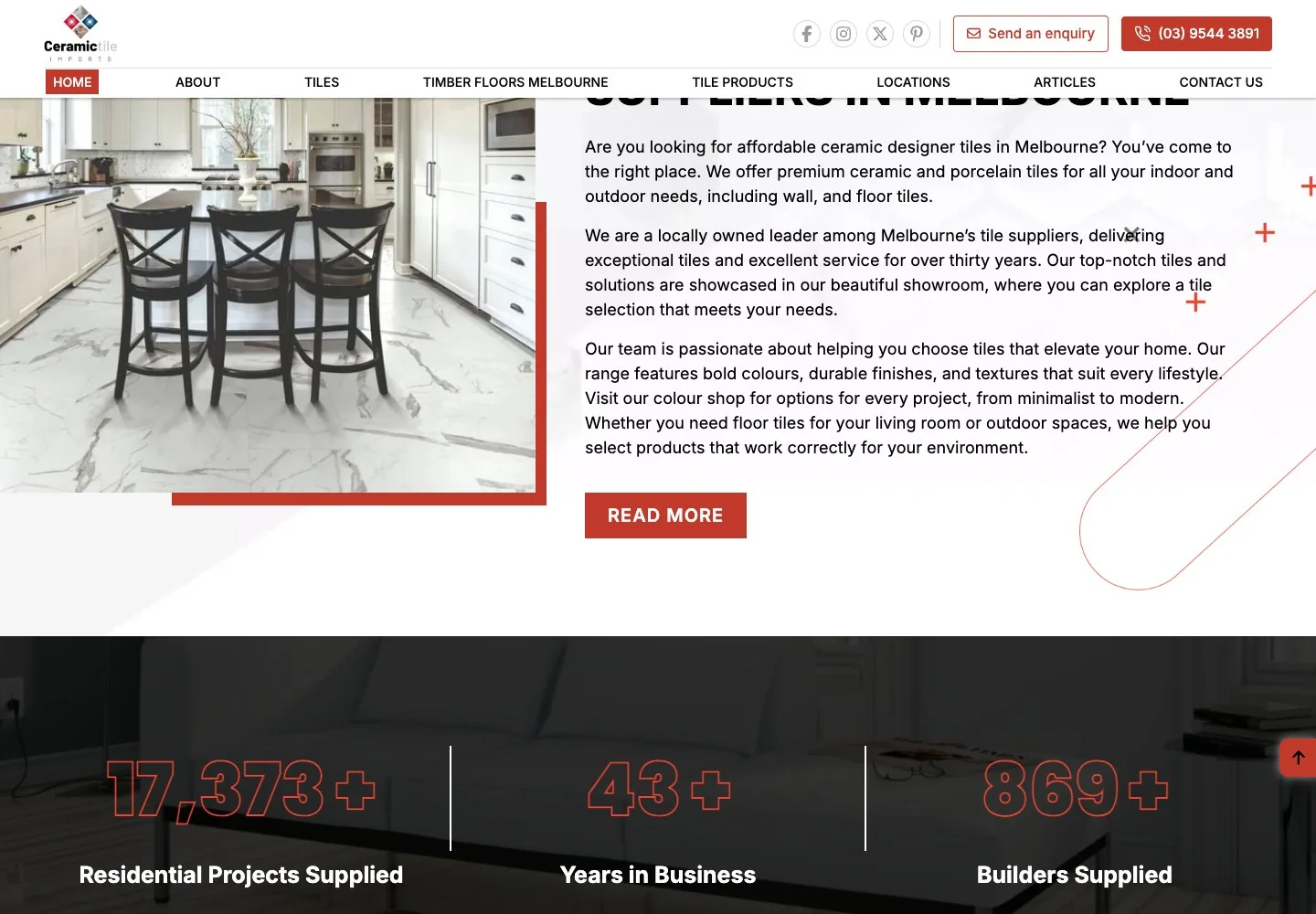
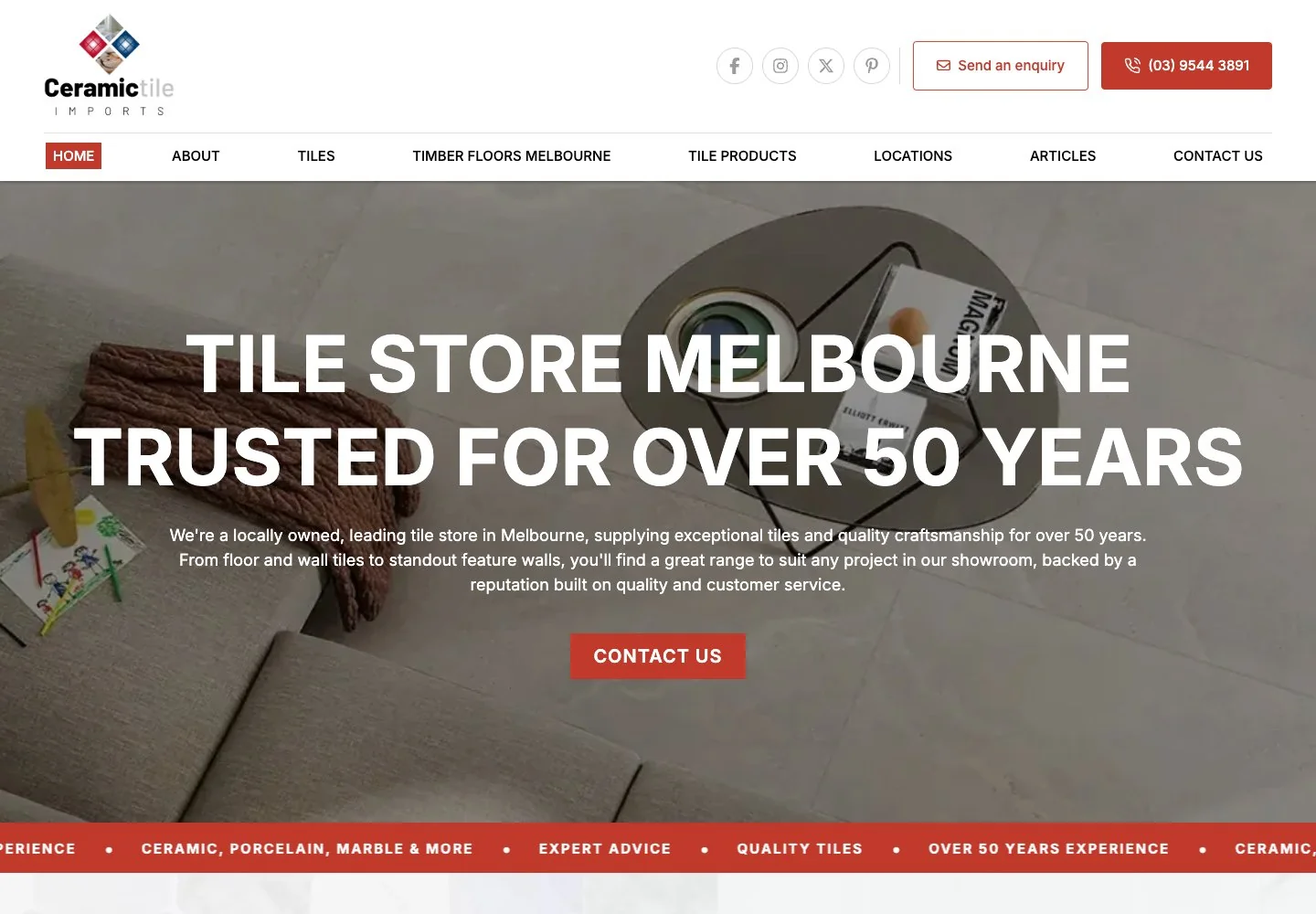
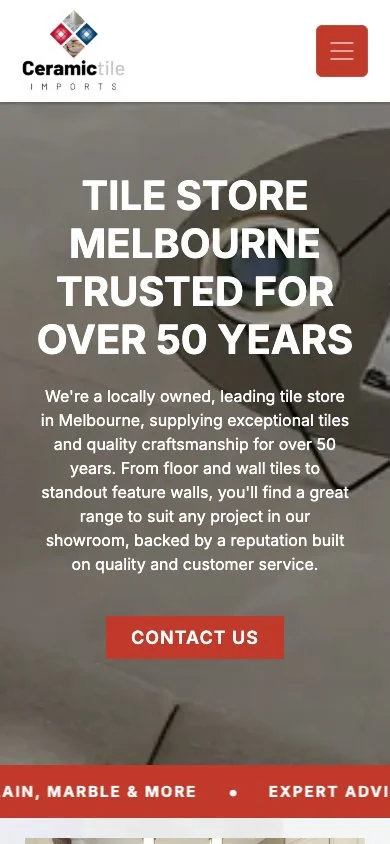
Help visitors move from a room idea to the right product conversation.
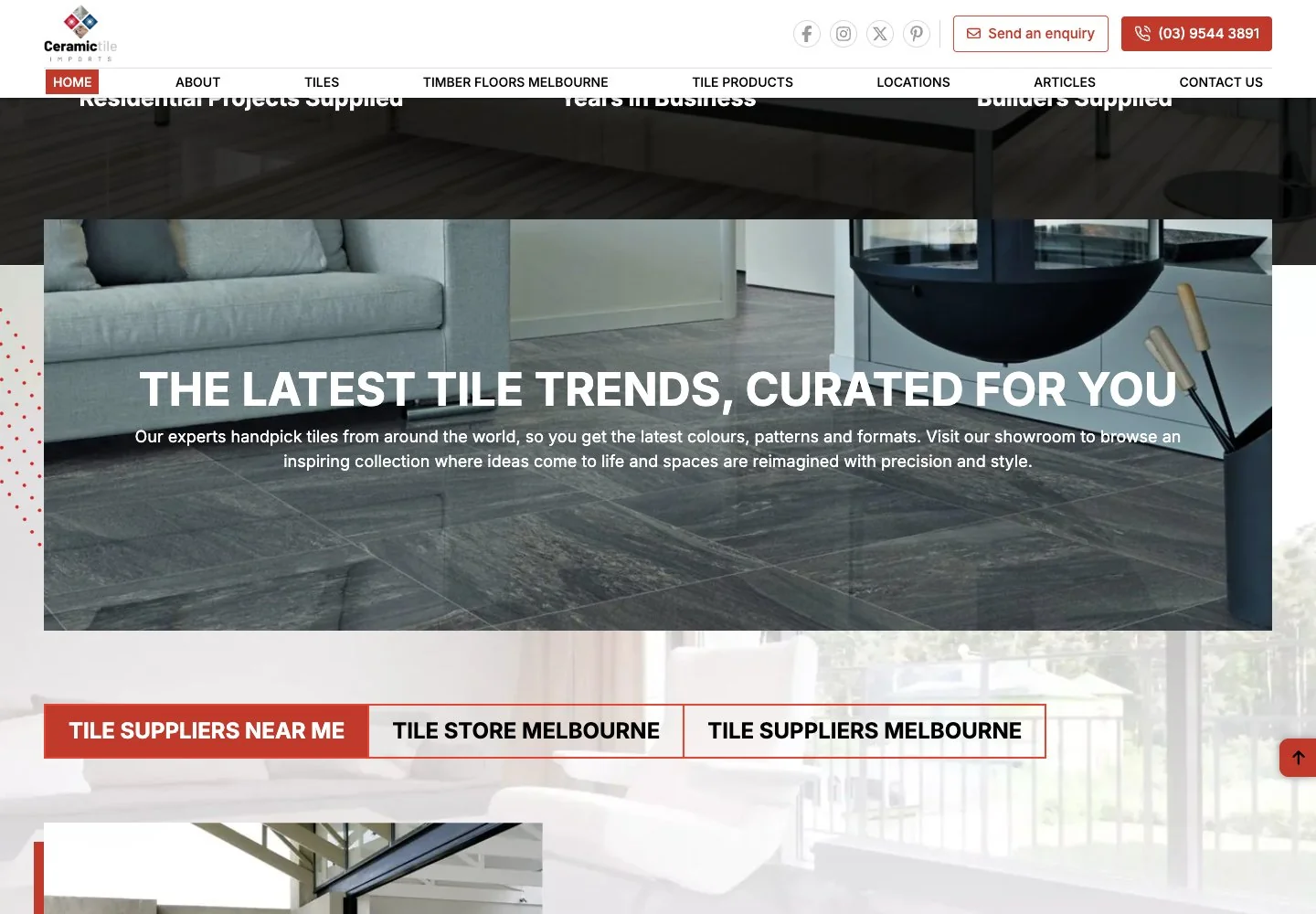
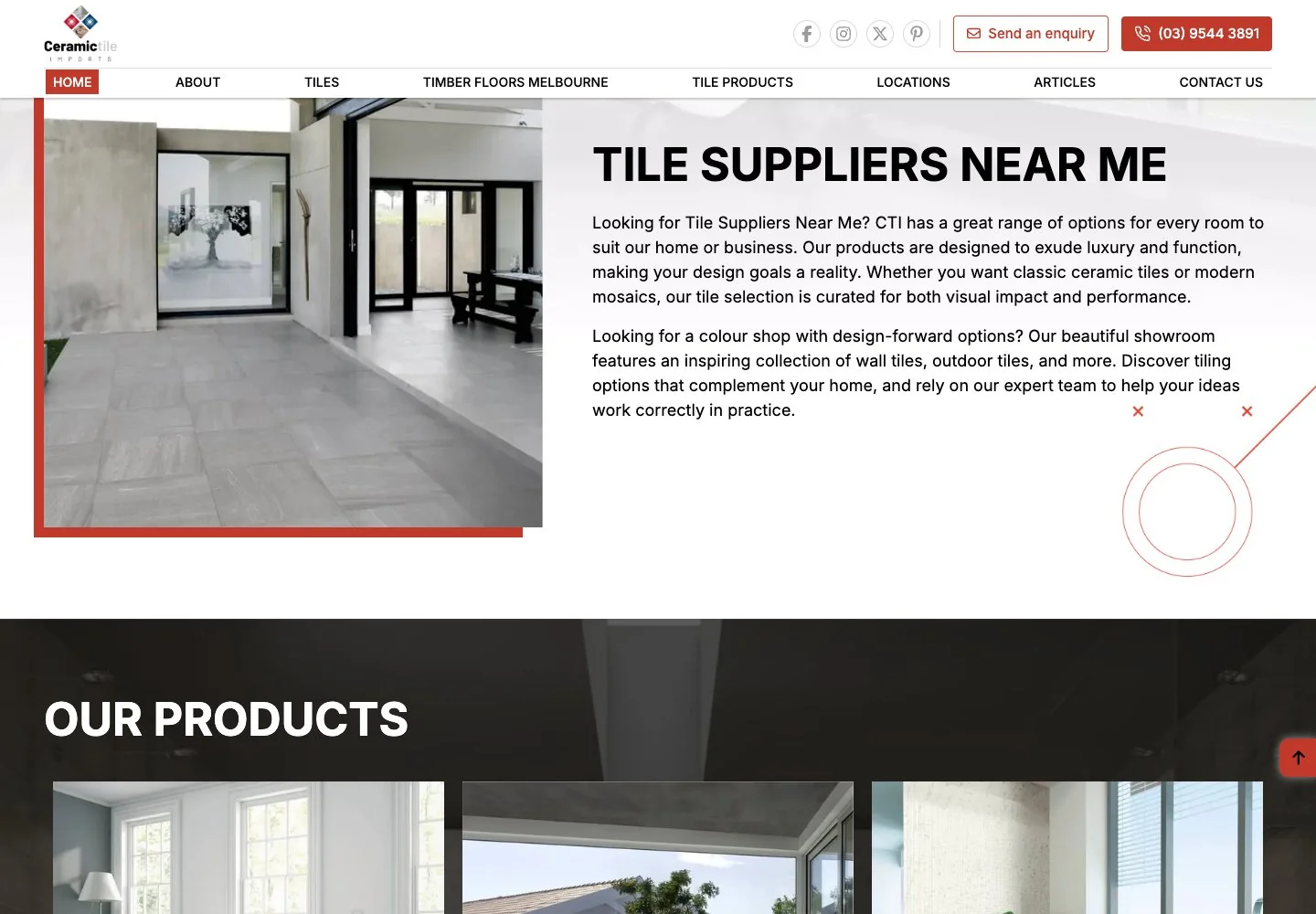
The site organises tile discovery around rooms, materials and product categories. Large interior imagery sets the context, while product, showroom and contact routes help visitors move beyond inspiration.
The current public build uses a custom frontend with Bootstrap and jQuery components. This case study focuses on the visible website structure and browsing journey.
The brief
A showroom website needs to support visitors with a clear product in mind and those still exploring a room or material. The interface needs several useful entry points without becoming an unstructured catalogue.
Provide room-led and material-led category routes.
Use interior imagery to give products context.
Connect product discovery with showroom and contact information.
Keep the long page readable on different screens.
Workflow, pipeline & structure
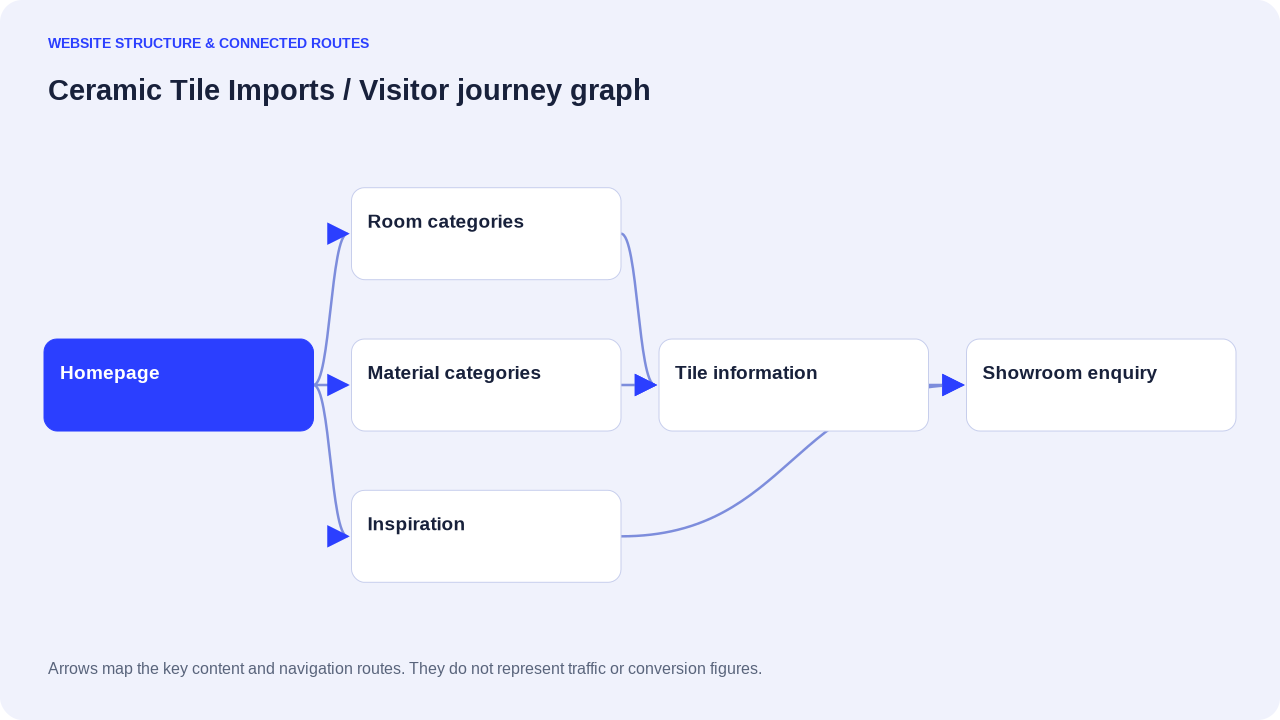
Follow the build process and the key routes through Ceramic Tile Imports. These diagrams explain the journey; they are not traffic or conversion charts.
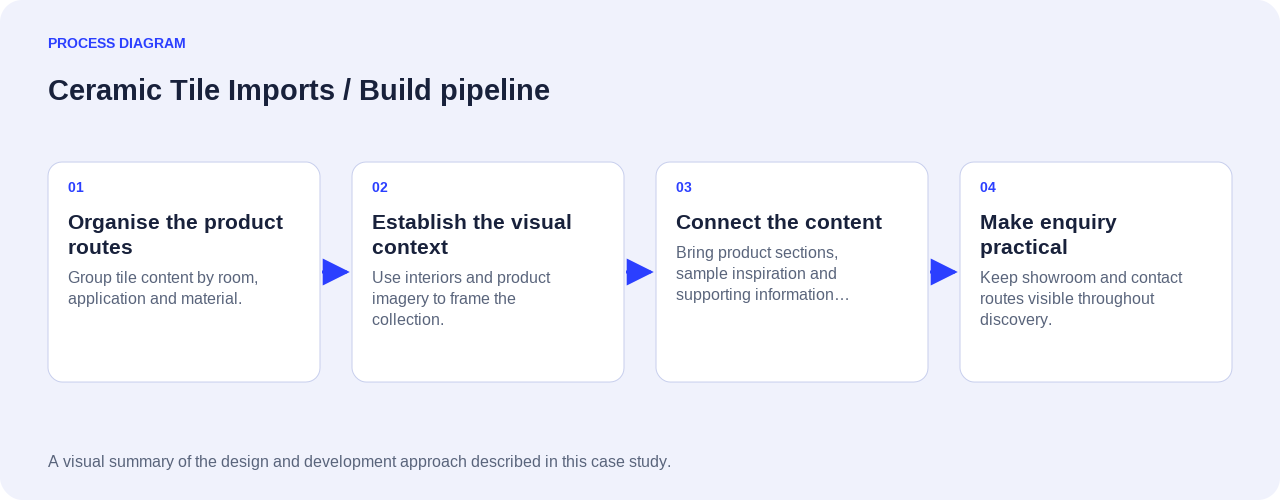
Design & development approach
Group tile content by room, application and material.
Use interiors and product imagery to frame the collection.
Bring product sections, sample inspiration and supporting information together.
Keep showroom and contact routes visible throughout discovery.
The build
A website-specific layout and content structure.
Responsive layout tooling visible in the public build.
The current site includes established interactive components.
Room and material routes support different browsing intentions.
Products are shown within an architectural context.
Showroom and enquiry information connect the journey to the business.
The website / In detail
Screenshots captured from the public website, showing the design and its key content areas. Scroll to explore.
Feature focus / Category architecture
The catalogue can be approached through practical room categories as well as product and material routes.
Begin with a room, application or tile category.
Images and content help frame the design choice.
Contact and showroom routes provide the next step.
Design decisions
A broad product range can be difficult to navigate.
Use room, application and material categories as different entry points.
Inspiration content can lack a practical next step.
Connect imagery with product and enquiry routes.
A long page can become repetitive.
Alternate visual and informational sections with a consistent type hierarchy.
Experience outcomes
Visitors can browse through the category they understand.
Interior imagery helps frame the product range.
The website leads towards showroom and product enquiries.