WordPress
The content platform used in the current public build.
Let the work demonstrate the service, then make enquiry straightforward.
Most Wanted Garage presents paint-protection film, colour-change wrapping and related services through a strong photographic and video-led direction. Service navigation, vehicle-specific pages and project content offer different routes into the business.
The case study focuses on the public website, its content hierarchy and enquiry journey, rather than making claims about the garage’s service outcomes.
The brief
A prospective customer needs to understand the service, see the work and know how to request a quote. Those three tasks define the website journey.
Give PPF, wrapping and related services distinct routes.
Use vehicle imagery to establish the visual direction.
Connect service content with examples of the work.
Keep quotation and contact actions visible.
Workflow, pipeline & structure
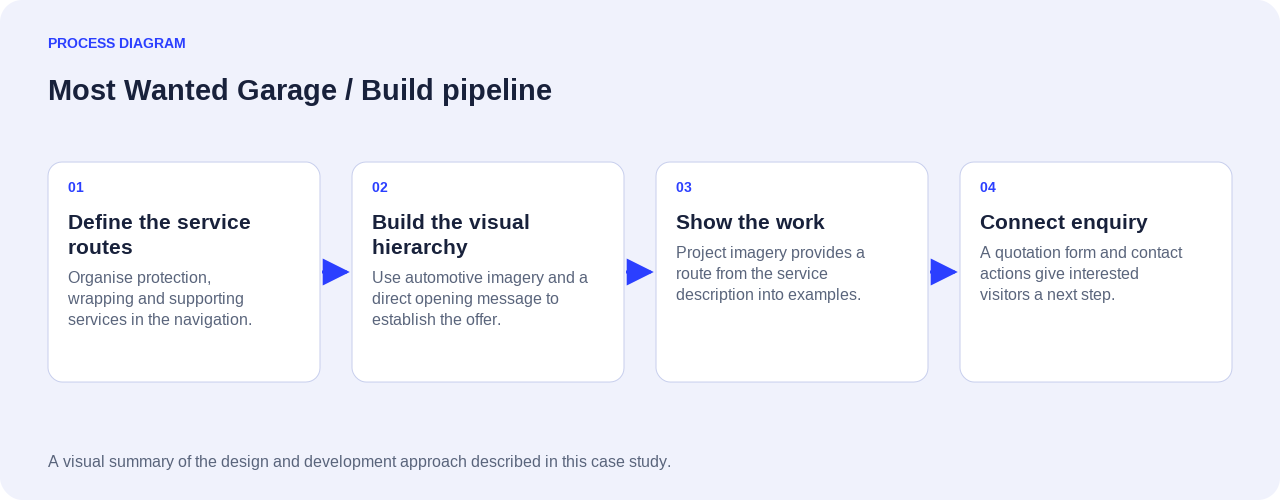
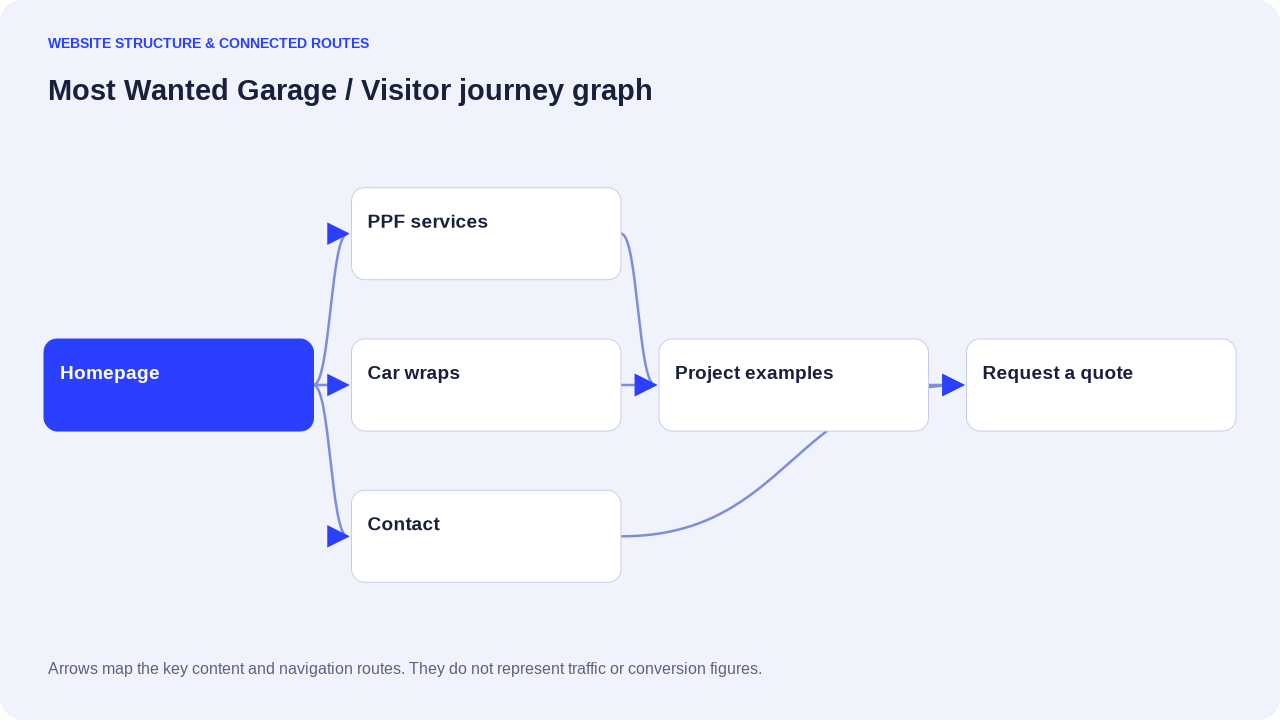
Follow the build process and the key routes through Most Wanted Garage. These diagrams explain the journey; they are not traffic or conversion charts.
Design & development approach
Organise protection, wrapping and supporting services in the navigation.
Use automotive imagery and a direct opening message to establish the offer.
Project imagery provides a route from the service description into examples.
A quotation form and contact actions give interested visitors a next step.
The build
The content platform used in the current public build.
Core services and vehicle-specific routes support discovery.
Photography and video shape the website’s identity.
Completed-work sections connect the offer to examples.
Contact actions sit within the service narrative.
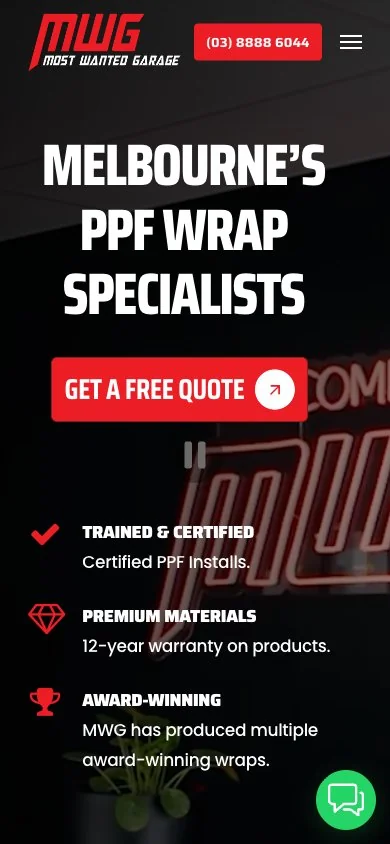
Navigation and imagery adapt to different screens.
The website / In detail
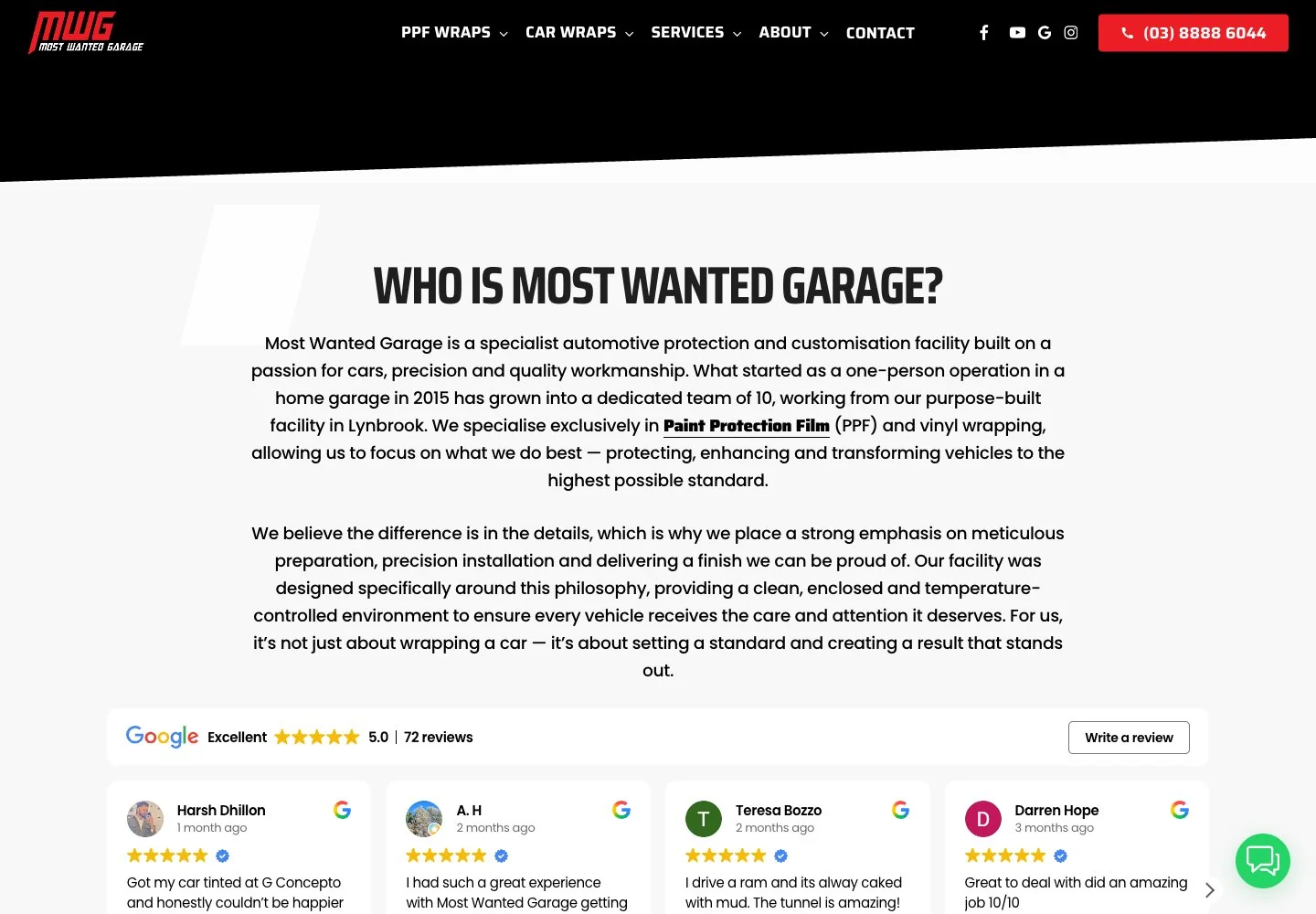
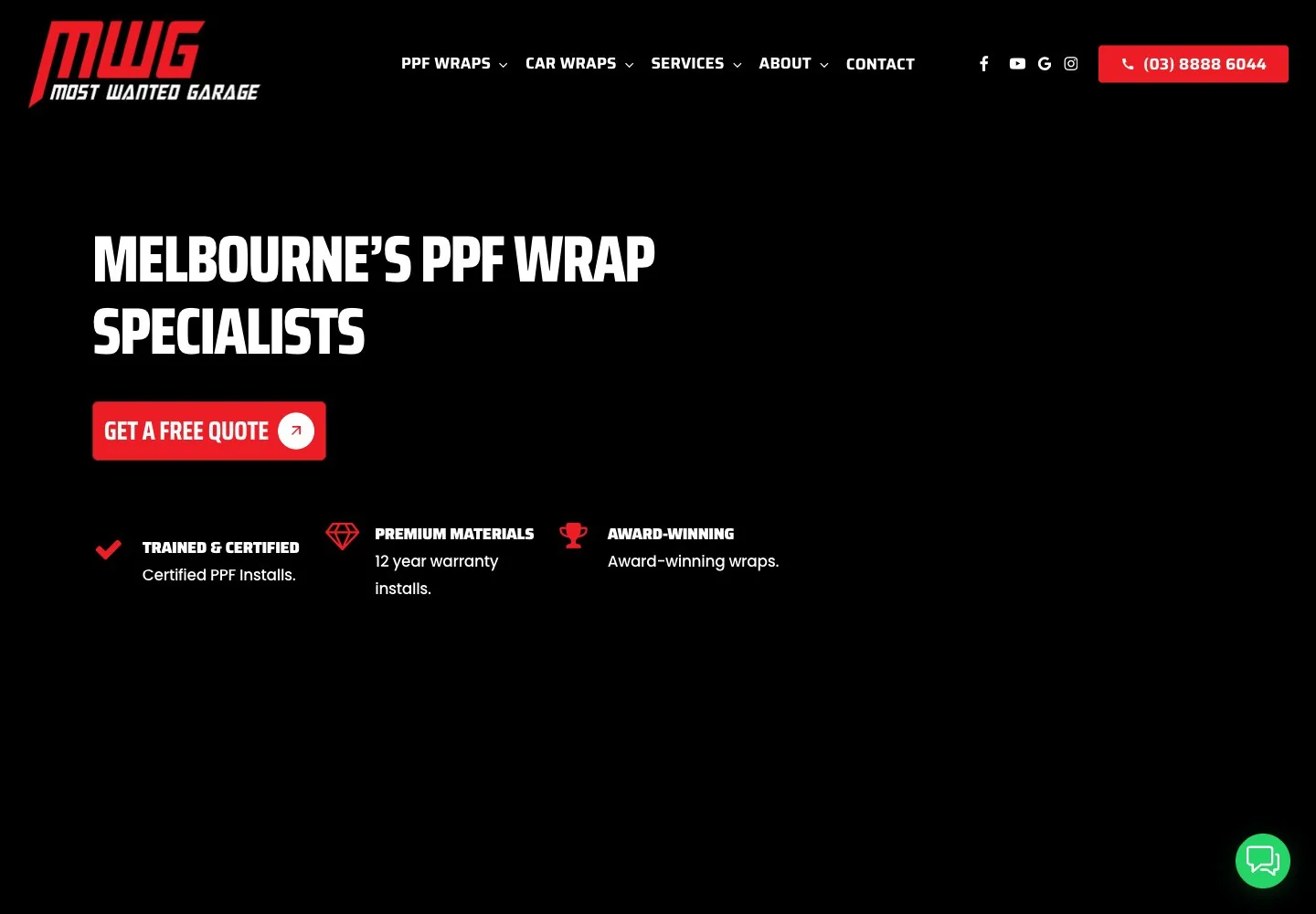
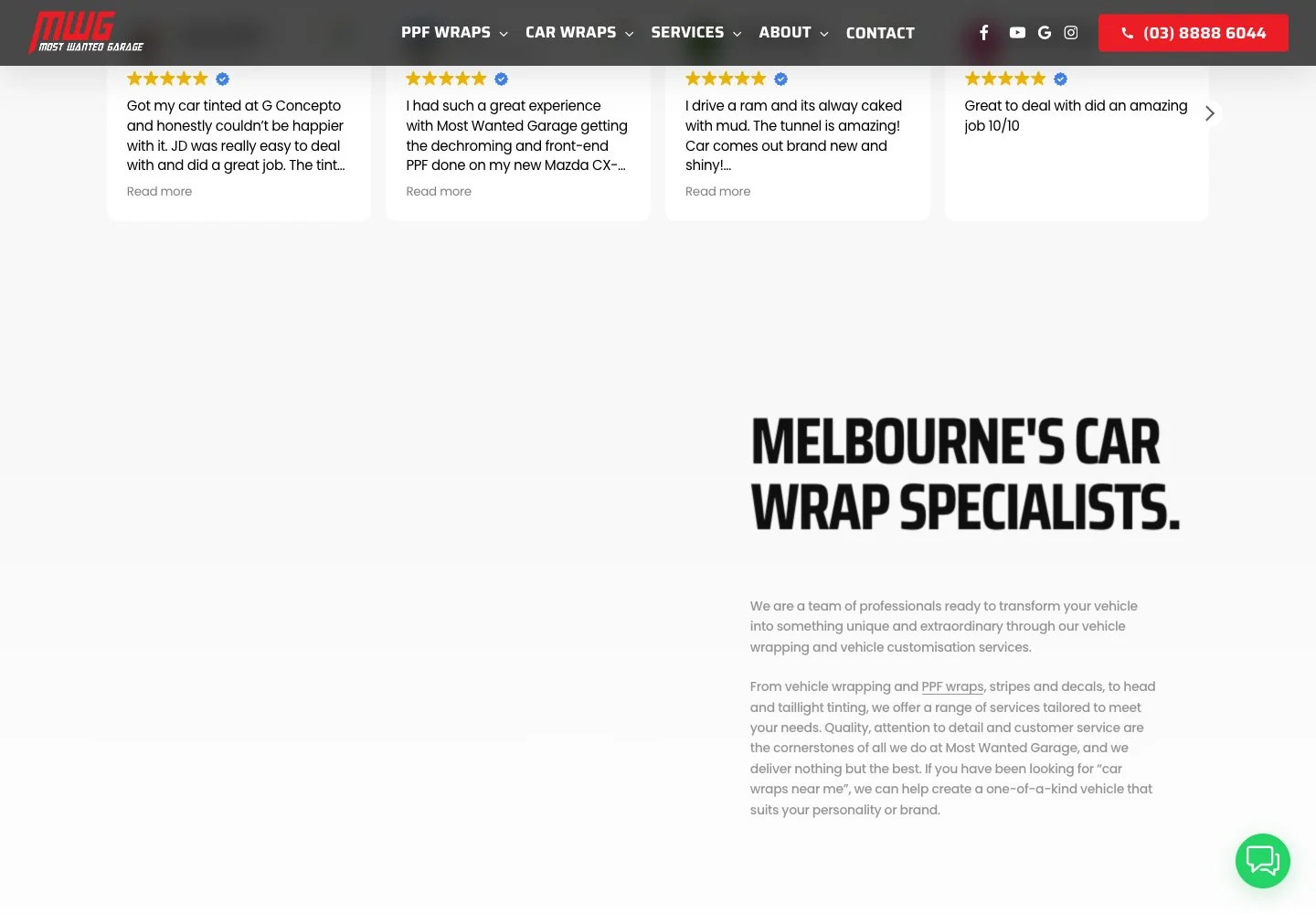
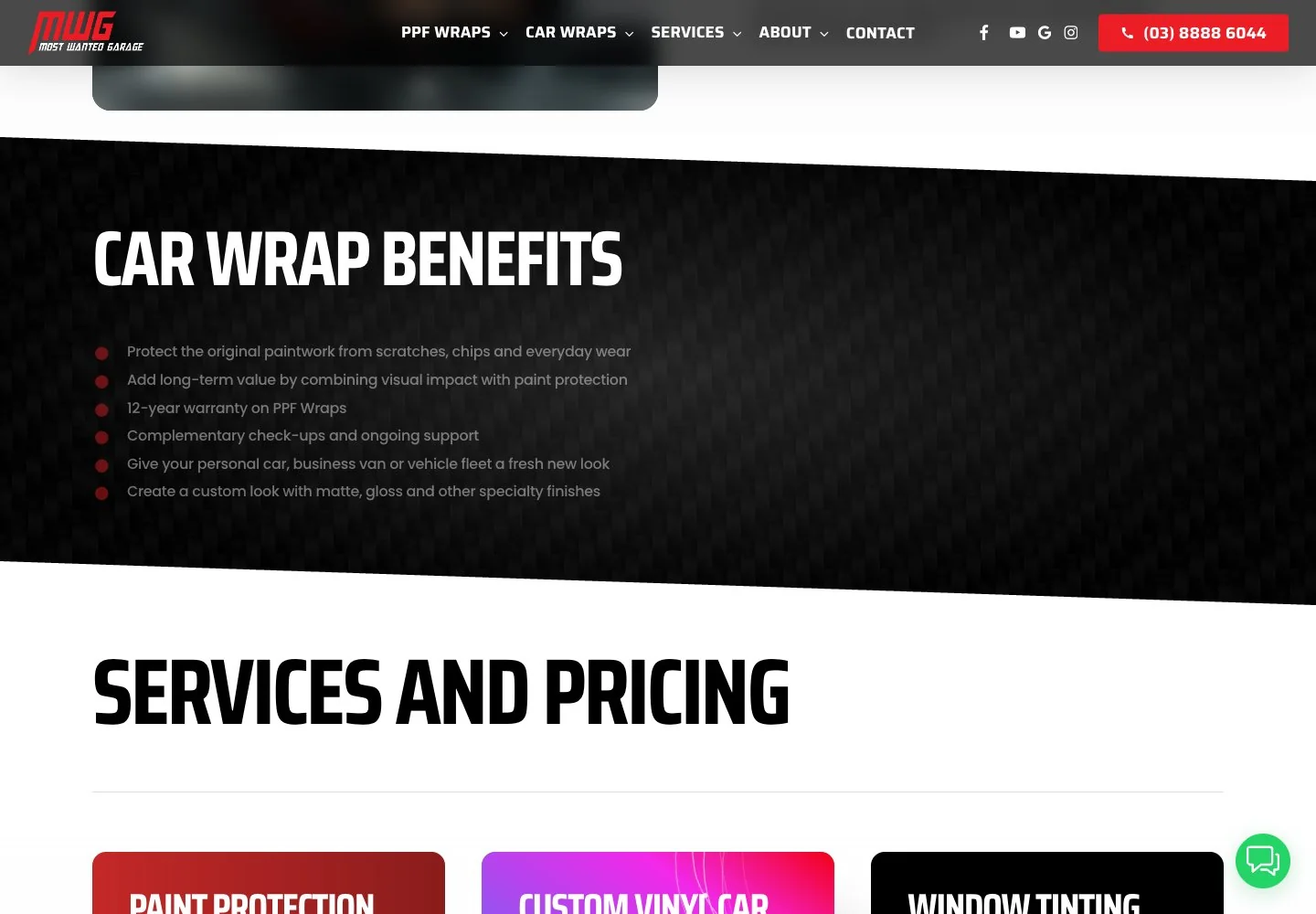
Screenshots captured from the public website, showing the design and its key content areas. Scroll to explore.
Feature focus / Service-to-project discovery
The website connects the main service categories with vehicle imagery and project examples before the quotation step.
Begin with protection, wrapping or related services.
Project content gives the visitor visual context.
Contact routes carry the interest into an enquiry.
Design decisions
Strong media can hide the service hierarchy.
Keep the main categories and quotation action recognisable.
Customers arrive with different levels of product knowledge.
Provide both service-led and vehicle-specific discovery routes.
Project imagery can become a disconnected gallery.
Connect examples with the relevant service and contact route.
Experience outcomes
Visitors can start with the relevant automotive service.
The work provides a reason to explore further.
Quotation actions remain part of the browsing journey.