Shopify
The live store’s product and commerce platform.
Let the clothes lead, while keeping the shopping decisions simple.
Shabreen brings together kurtas, co-ords, anarkalis and embroidered occasion wear. A customer may arrive looking for a garment, a celebration or a particular craft, so the storefront offers more than one way into the catalogue.
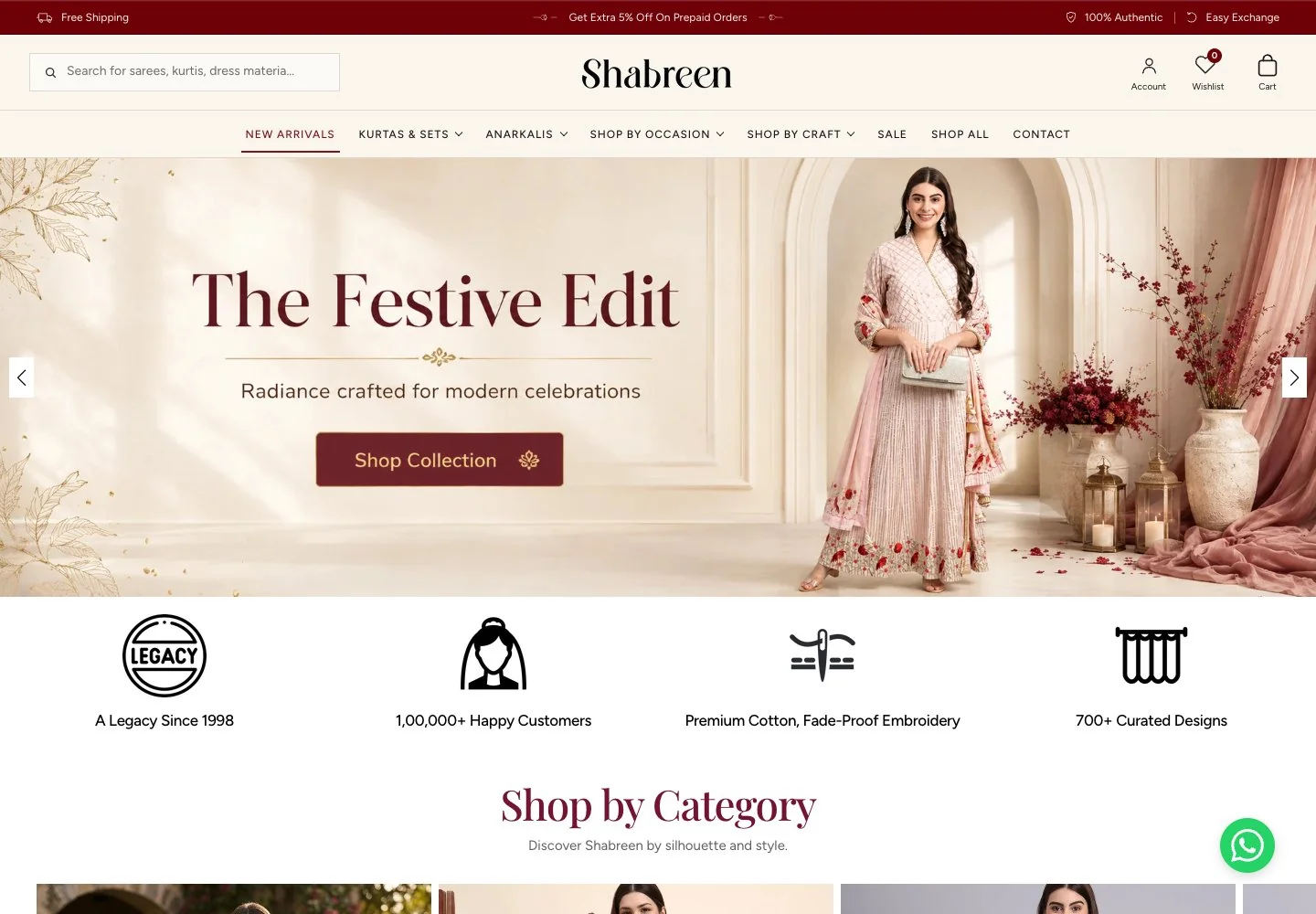
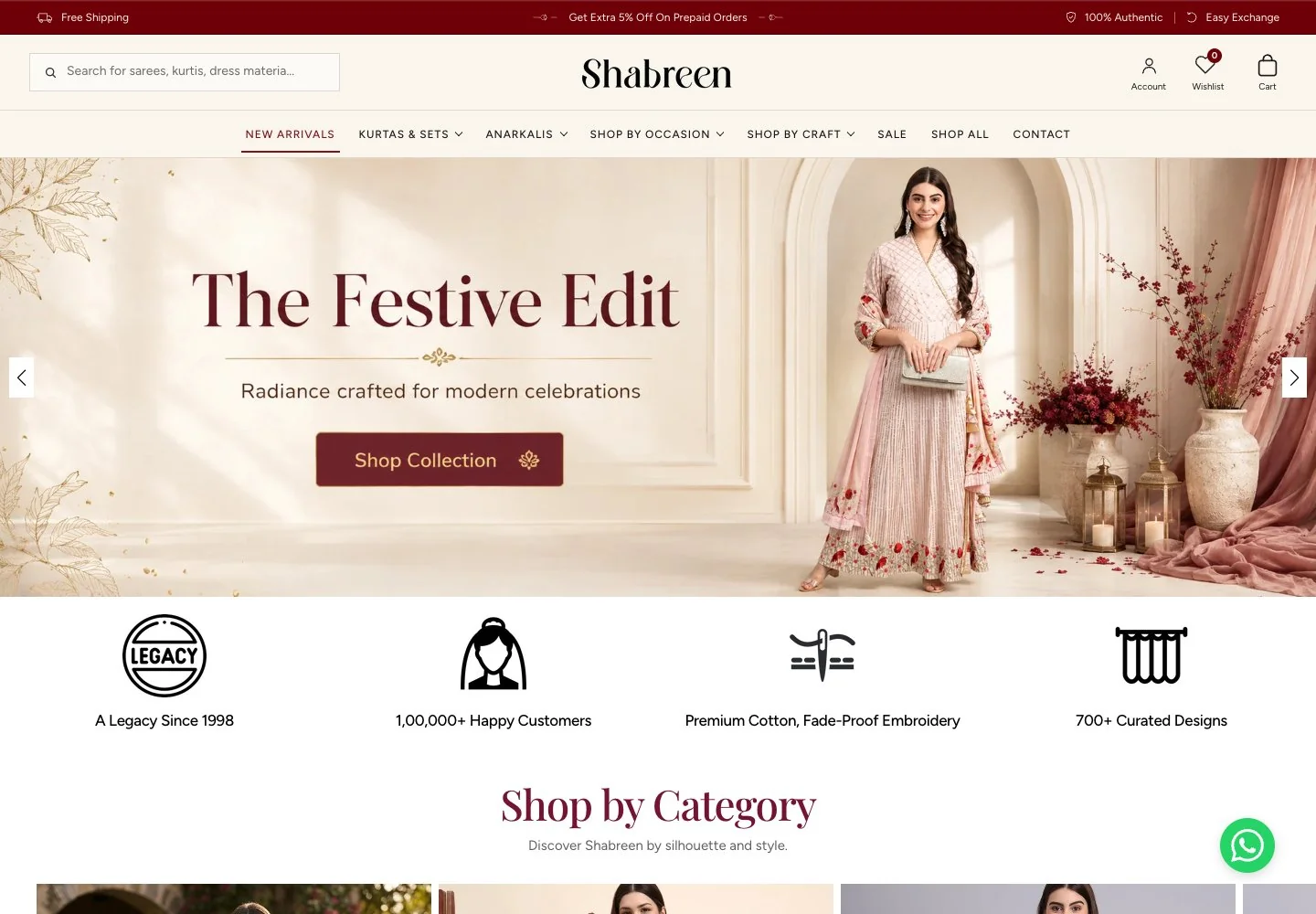
The interface pairs a cream and burgundy visual direction with large campaign imagery, structured collections, product search and clear size choices. Shopify provides the commerce foundation behind the live storefront.
The brief
Fashion imagery needs breathing room, but the customer still needs to find a category, compare prices and choose a size. The design balances brand-led campaigns with practical shopping controls.
Offer routes by garment, occasion and embroidery craft.
Keep campaign photography prominent without hiding the catalogue.
Bring price, size and product actions into a consistent card system.
Make search, wishlist and bag entry points easy to recognise.
Workflow, pipeline & structure
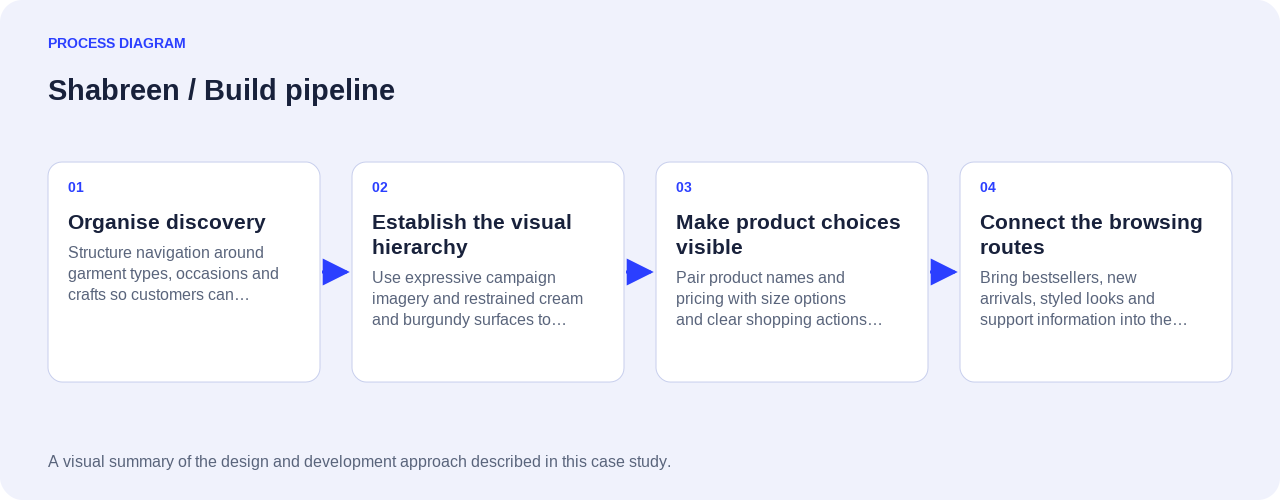
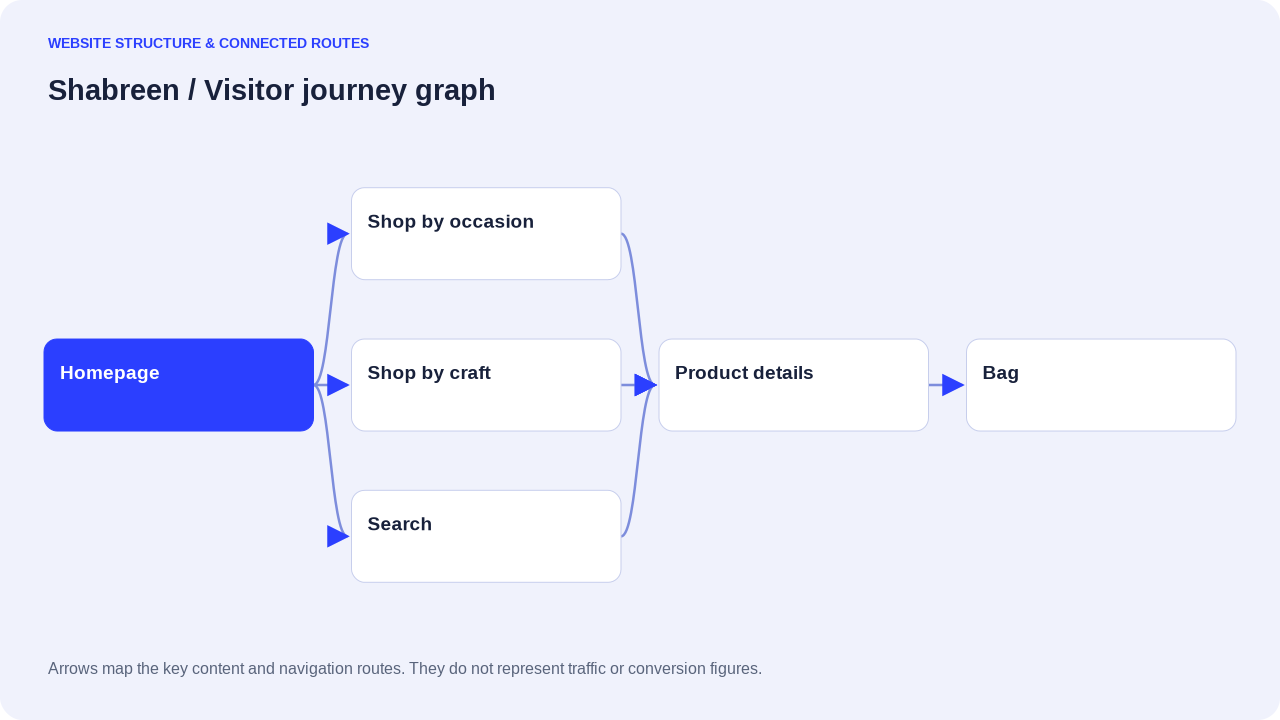
Follow the build process and the key routes through Shabreen. These diagrams explain the journey; they are not traffic or conversion charts.
Design & development approach
Structure navigation around garment types, occasions and crafts so customers can begin with the detail they already know.
Use expressive campaign imagery and restrained cream and burgundy surfaces to frame the collection.
Pair product names and pricing with size options and clear shopping actions instead of leaving the next step ambiguous.
Bring bestsellers, new arrivals, styled looks and support information into the same storefront journey.
The build
The live store’s product and commerce platform.
Garment, occasion and craft routes provide complementary ways to browse.
Product search and visible suggestions support customers with a specific item in mind.
A repeatable structure for imagery, pricing, sizes and shopping actions.
Campaign-led sections give the collection room to tell the brand story.
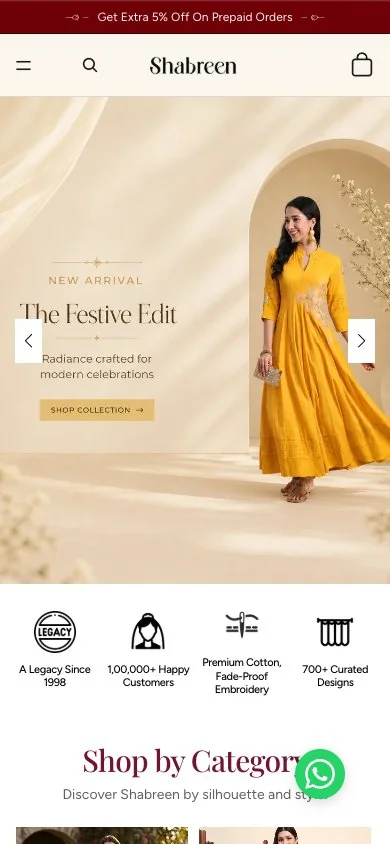
Navigation, imagery and product grids adapt to the available screen space.
The website / In detail
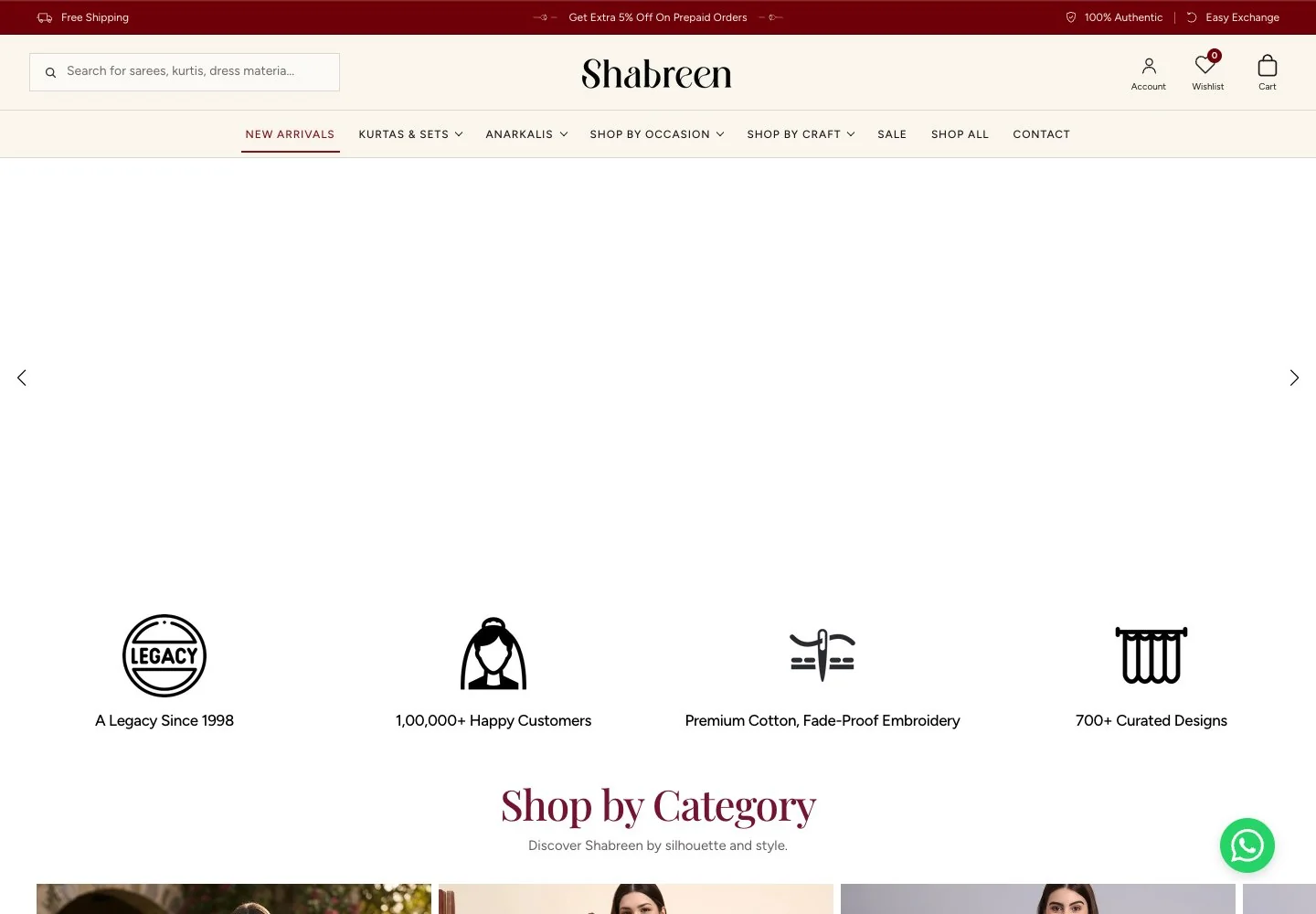
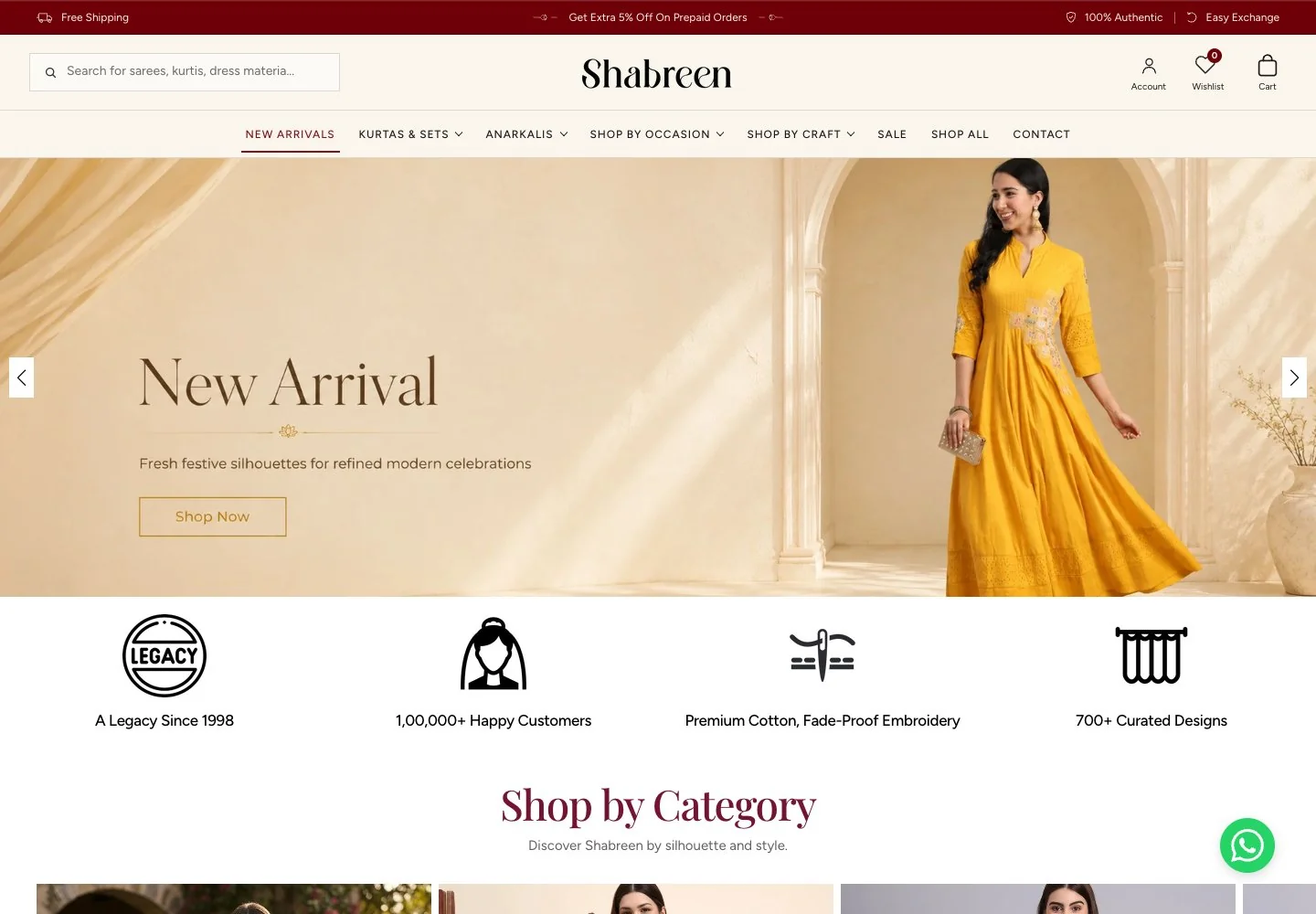
Screenshots captured from the public website, showing the design and its key content areas. Scroll to explore.
Feature focus / Product discovery
The navigation reflects different shopping intentions rather than forcing every visitor through one long catalogue.
Browse kurtas and sets, anarkalis, occasion edits or embroidery crafts.
Scan consistent imagery, product names and prices across the product grid.
Size choices and shopping actions sit close to the product information.
Design decisions
Multiple ways to shop can overwhelm a navigation bar.
Group routes by garment, occasion and craft so each has a clear purpose.
Large fashion imagery can push shopping information out of view.
Give product names, prices and size choices a repeatable place within the grid.
Campaign storytelling and catalogue browsing need different rhythms.
Alternate broad editorial moments with structured product sections.
Experience outcomes
Customers can follow the occasion, product type or craft that interests them.
Repeatable product information makes the collection easier to scan.
Cream, burgundy and campaign photography carry through the shopping experience.